 gregfromstl
109575eba5
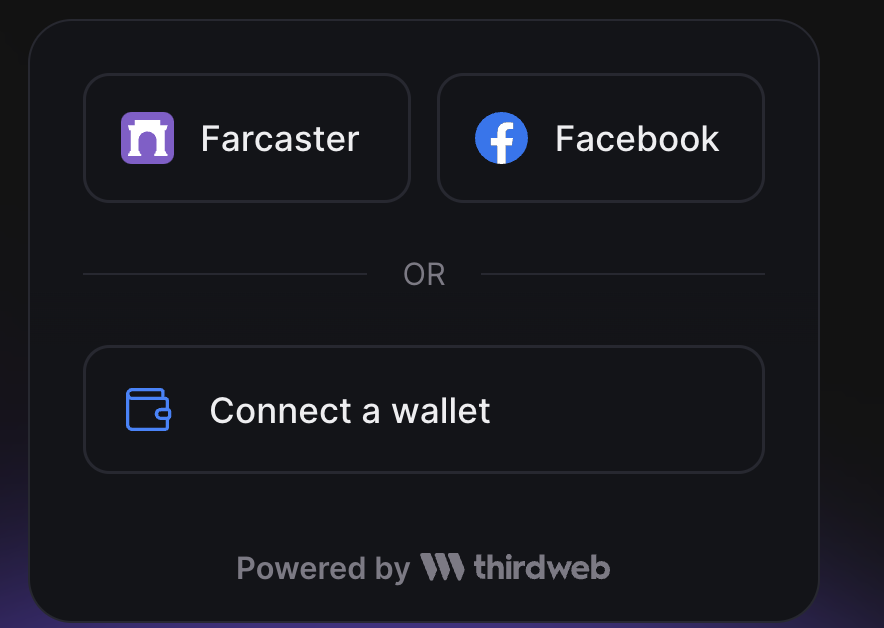 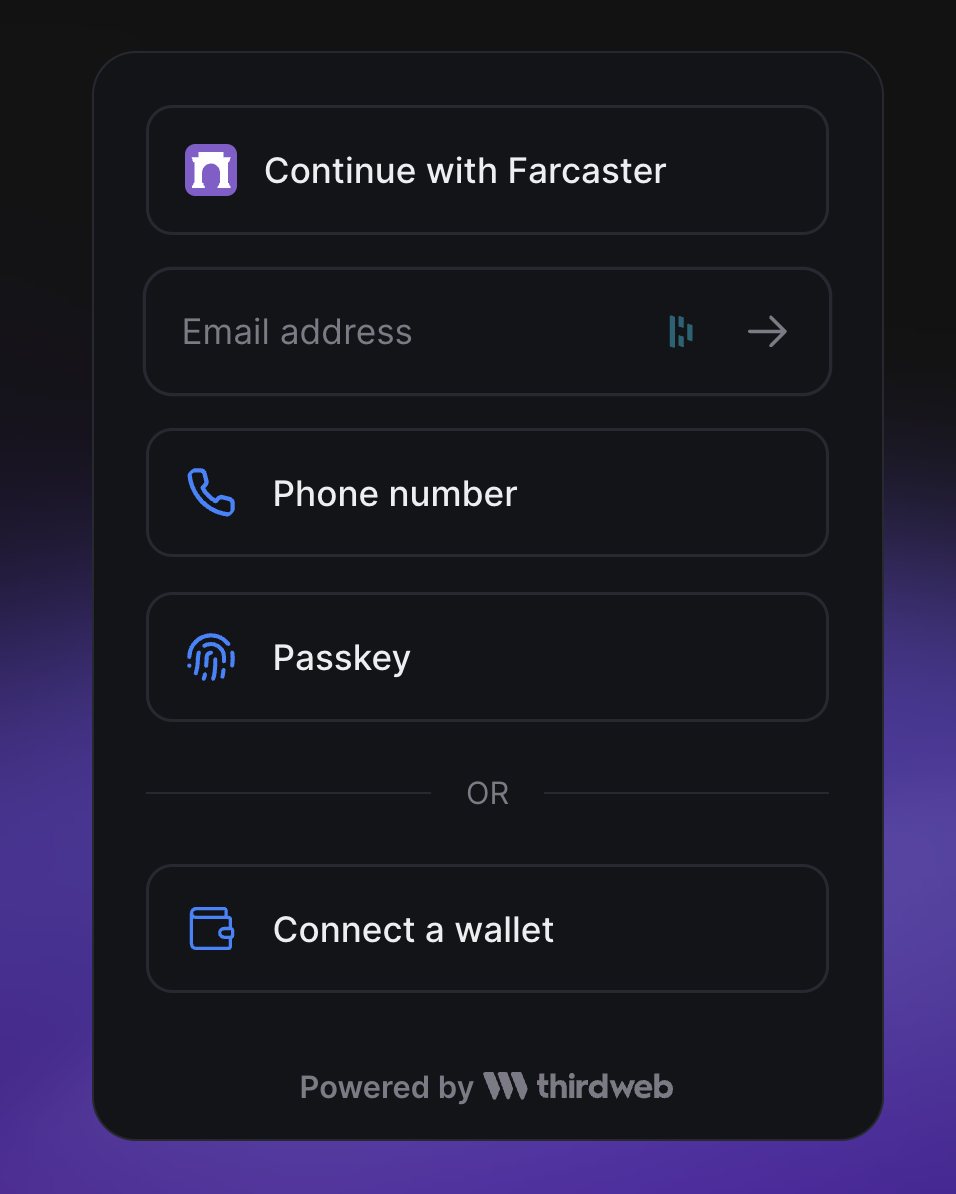 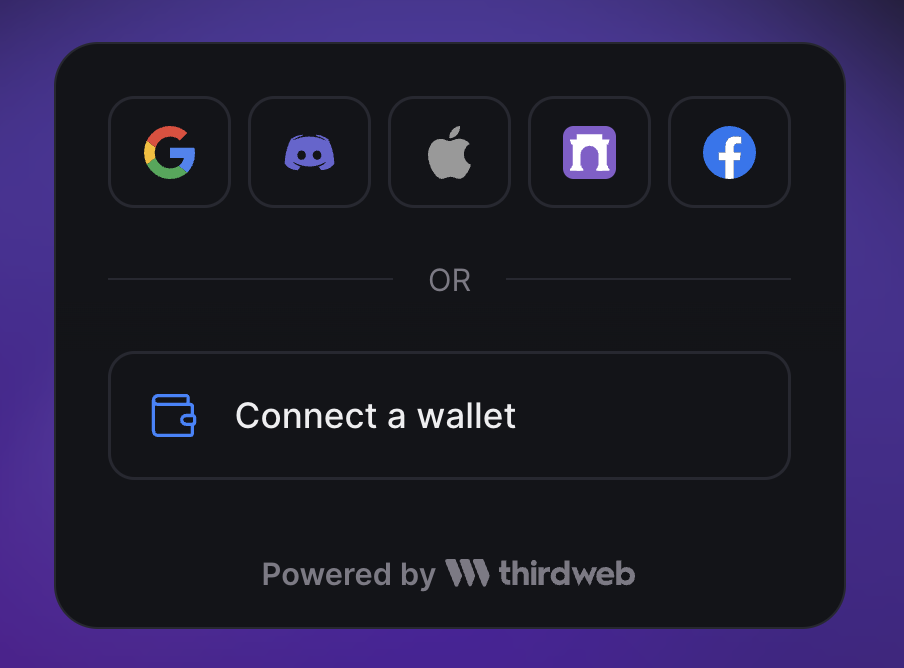 <!-- start pr-codex --> --- ## PR-Codex overview This PR increases the minimum number of social logins displayed before switching to a different layout. It also adjusts the styling of the social login buttons. ### Detailed summary - Increased minimum social logins displayed to 3 - Adjusted social login buttons layout based on the number of logins - Updated styling for social login buttons to improve alignment and spacing > ✨ Ask PR-Codex anything about this PR by commenting with `/codex {your question}` <!-- end pr-codex -->



This is a Next.js project bootstrapped with create-next-app.
Getting Started
First, run the development server:
npm run dev
# or
yarn dev
# or
pnpm dev
# or
bun dev
Open http://localhost:3000 with your browser to see the result.
You can start editing the page by modifying app/page.tsx. The page auto-updates as you edit the file.
This project uses next/font to automatically optimize and load Inter, a custom Google Font.
Learn More
To learn more about Next.js, take a look at the following resources:
- Next.js Documentation - learn about Next.js features and API.
- Learn Next.js - an interactive Next.js tutorial.
You can check out the Next.js GitHub repository - your feedback and contributions are welcome!
Deploy on Vercel
The easiest way to deploy your Next.js app is to use the Vercel Platform from the creators of Next.js.
Check out our Next.js deployment documentation for more details.